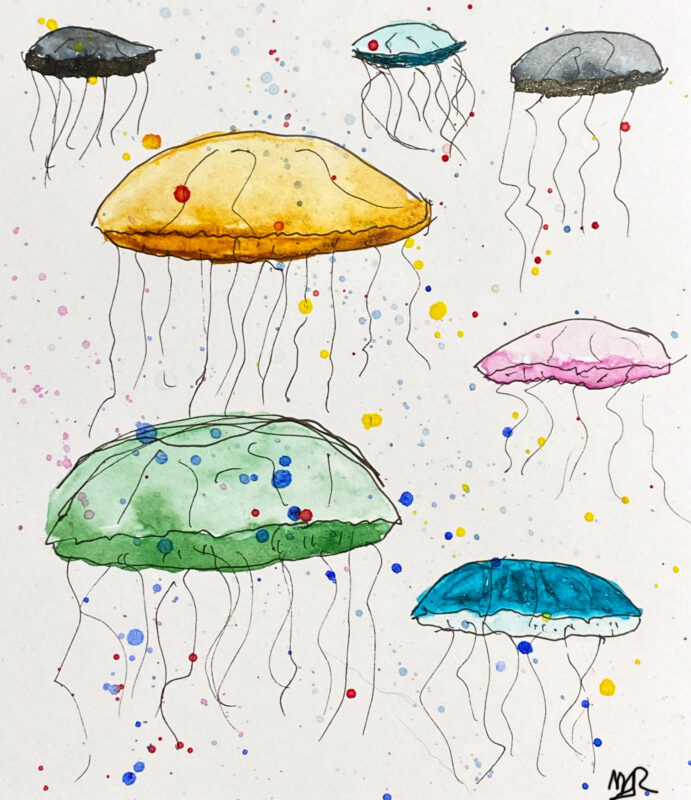
Inktober 2026 Random Prompt Picker
This page generates a random prompt from a list of Inktober prompts that I’ve compiled.

We Will Survive!
This page generates a random prompt from a list of Inktober prompts that I’ve compiled.

When the last rose of summer pricks my fingers And the hot sun chills me to the bone When I can’t hear the song for the singer And I can’t tell my pillow … Read more

Here is a look back at some photos from July past: Looking a some beautiful farms in Washington from the Oregon side of the river. At the beginning of Fall River Road in … Read more

One of our favorite Grateful Dead tunes is Cassidy and that’s where our Cassidy got her name. Enjoy these shots of her lounging on my (covered, in a quilt top I made) keyboard:

In mid-May, on a Monday, I went searching for a quick, fun little word search game for my phone. I didn’t find one, and thus Paper Lantern was born. Details: I wanted something … Read more

More blooms! This month we feature the Flaming Parrot, a striking red and yellow tulip. Also shown is the Little Beauty tulip, a delicate flower that doesn’t look like the traditional tulip. While … Read more

I planted some new varieties of tulips and daffodils last fall, and am enjoying the results now!